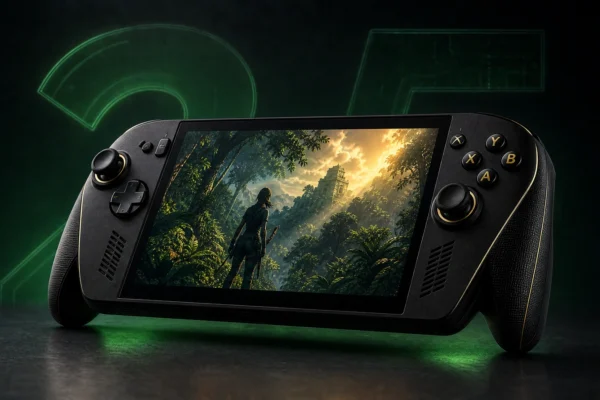
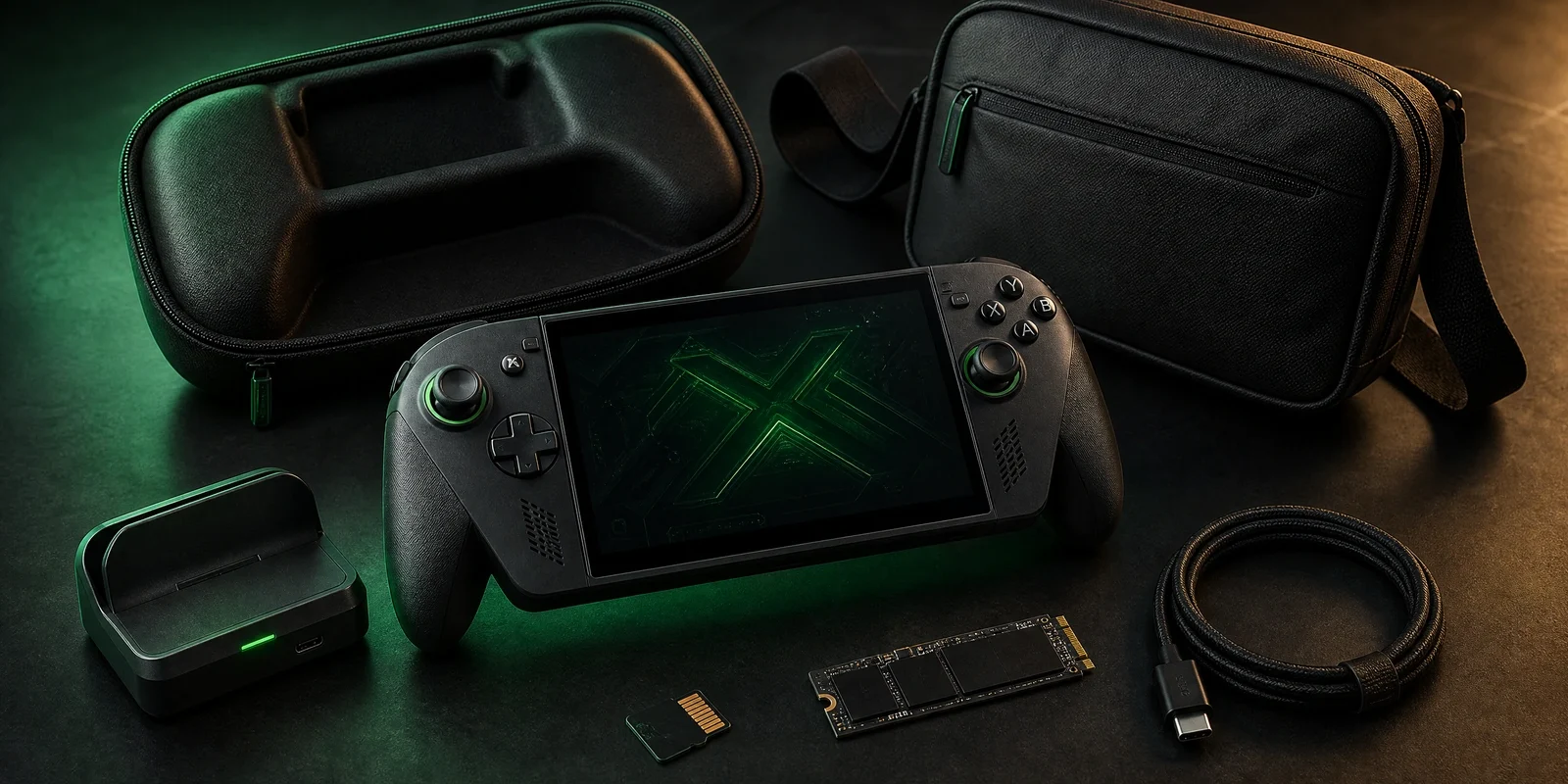
The best ROG Xbox Ally X20 accessories should solve a real handheld problem: protect a $1,299 device, add storage, connect it cleanly to a monitor, or make travelling with the handheld easier. You do not need a drawer full of accessories on day one.
For most owners, the sensible order is protection first, storage second, docking third, then optional travel and display gear. This guide uses official X20 compatibility information where available and deliberately avoids claiming that an unverified generic accessory is an exact fit.
If you are still deciding on the handheld itself, see our ROG Xbox Ally X20 specs and buying guide.
Quick picks
| Accessory type | Recommended starting point | Why it matters |
|---|---|---|
| Protective case | dbrand Killswitch for ROG Xbox Ally X20 | ASUS includes an X20-specific version in its official anniversary bundle |
| Dock | ROG Bulwark Dock series or another explicitly compatible USB-C display dock | Adds HDMI, Ethernet and USB peripherals |
| Storage | microSD Express or internal M.2 2280 NVMe upgrade | X20 officially supports both expansion routes |
| Travel bag | PowerA Xbox Sling Bag for Handheld Gaming PCs | Officially described for ROG Xbox Ally devices and carries accessories |
| Premium display accessory | ROG XREAL R1 Edition 20 glasses | Official X20 bundle accessory for a large virtual display |
1. dbrand Killswitch: best everyday protection
ASUS’s official ROG Xbox Ally X20 20th Anniversary Bundle includes an exclusive dbrand Killswitch for ROG Xbox Ally X20. ASUS describes the package as a protective case with kickstand, travel cover, ROG stick grips and a custom skin.
That official bundle relationship is useful because physical fit matters more than brand familiarity with handheld cases. The X20 has its own dimensions and controls, so a case designed only for an older Ally model should not be assumed to fit correctly.
For daily commuting, the Killswitch approach is attractive because the device can remain protected while you play, while the travel cover adds screen and control protection in a bag.
2. ROG Bulwark Dock series: best desk and TV upgrade
ASUS confirms that both top USB-C ports on the X20 support display output and specifically points to compatible USB-C display docks such as the ROG Bulwark Dock series for expanding connectivity to HDMI, Ethernet and USB peripherals.
A dock makes sense if you want to use the X20 as a small desktop gaming PC, connect it to a television, use Ethernet, or attach a keyboard, mouse and storage device. Before buying a third-party dock, confirm display output, charging power and physical placement rather than assuming every Steam Deck-style dock behaves identically with the X20.
3. microSD Express: easiest storage expansion
The X20 includes a microSD Express reader supporting SD 8.0 / PCIe Gen4 x1. ASUS says it can deliver PCIe-level transfer capability with compatible media while remaining backward compatible with standard microSD cards.
MicroSD is the easiest storage route because it requires no internal installation. However, capacity, sustained performance, thermals and price differ significantly between cards. We are not inserting an unverified card affiliate link until an exact model has been checked for availability and value.
For broader storage choices and buying considerations, see our gaming storage guide.
4. M.2 2280 NVMe SSD: best large internal upgrade
ASUS confirms that the X20’s internal M.2 2280 NVMe SSD is upgradeable. That is useful because 2280 is a common desktop and laptop SSD form factor with a wide range of capacities.
An internal SSD is the better choice when you want maximum capacity inside the handheld without relying on a removable card. The trade-off is installation complexity: check ASUS service guidance, backup important data and understand warranty implications in your region before opening the device.
5. PowerA Xbox Sling Bag: best organized travel carry
The PowerA Xbox Sling Bag for Handheld Gaming PCs is designed around ROG Xbox Ally devices and uses four compartments for a handheld, headset, controller, phone and smaller accessories. PowerA lists a padded handheld compartment, moveable insert, thumbstick protection and a cable pass-through.
This is more useful than a minimal hard shell when you regularly travel with a charger, controller, headset and cables. The current official price is $39.99, but availability and regional shipping should be checked before ordering.
Check the official PowerA Xbox Sling Bag.
6. ROG XREAL R1 Edition 20: premium optional display
The ROG XREAL R1 Edition 20 Gaming AR Glasses are part of ASUS’s official X20 anniversary bundle and connect directly through USB-C. ASUS describes dual Micro-OLED displays, a 240Hz refresh rate and a virtual screen up to 171 inches at four metres.
This is clearly an optional luxury accessory, not a basic requirement. It is most relevant to players who specifically want a large private virtual display while travelling or gaming away from a television.
Do you need a power bank?
A power bank can be useful for travel, but the X20 is a demanding gaming PC rather than a phone. Do not buy one based only on a large mAh number. Confirm USB-C Power Delivery output, cable capability and whether the bank can sustain useful charging power while the X20 is under load.
Because exact power-bank compatibility and charging behavior can vary, we recommend verifying a specific model before purchasing rather than treating every “100W” marketplace listing as equivalent.
What to buy first
- Protection: buy an X20-specific case or travel solution before regular commuting.
- Storage: expand only when your actual game library begins to pressure the 1TB internal drive.
- Dock: buy one if you genuinely use an external display or desktop peripherals.
- Travel bag: worthwhile when you carry several accessories together.
- AR glasses and other premium gear: add only when they solve a specific use case.
Compatibility checklist
- Cases should explicitly mention the ROG Xbox Ally X20 or be confirmed by the manufacturer.
- Docks should support the display outputs and USB-C charging profile you need.
- microSD cards should be genuine products from trustworthy sellers; counterfeit flash storage remains a real marketplace risk.
- Internal SSD upgrades should match the supported M.2 2280 NVMe form factor.
- Travel bags should protect the sticks and screen rather than simply being large enough to hold the device.
Final verdict
The best first accessory for the ROG Xbox Ally X20 is protection, followed by storage only when you actually need it. A compatible dock adds real value for desk and TV use, while PowerA’s sling bag is useful for travellers carrying a complete setup.
Avoid buying accessories only because they are marketed for handheld gaming. With an expensive device like the X20, exact fit, power-delivery support and confirmed compatibility matter more than a long feature list.