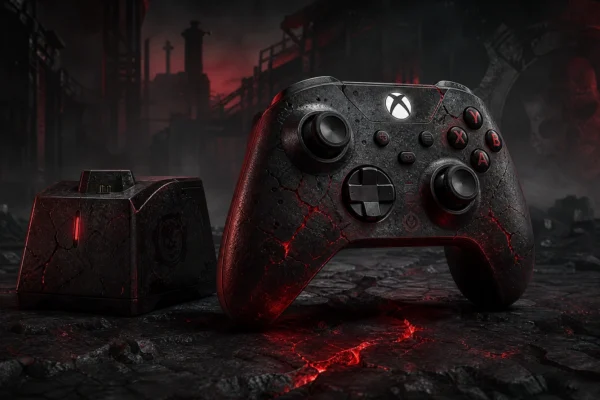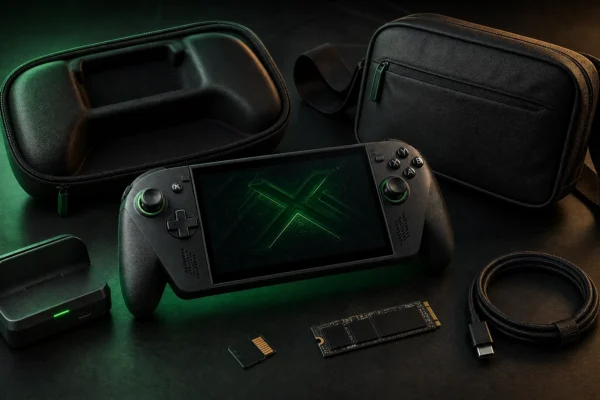
The best Xbox controller charging setup depends on how you actually use your controllers. A two-controller household benefits from a dual dock, a single-controller player may prefer Microsoft’s rechargeable battery, and some players are better served by keeping removable rechargeable AA batteries in rotation.
This guide compares four practical approaches: the PowerA Duo Charging Station, Xbox Rechargeable Battery + USB-C Cable, 8BitDo Ultimate Charging Dock X25 Special Edition, and quality low-self-discharge rechargeable AA batteries. Recommendations are research-based and use current manufacturer specifications rather than claimed hands-on battery testing.
Quick picks
| Option | Best for | Main strength | Main trade-off |
|---|---|---|---|
| PowerA Duo Charging Station | Two controllers | Charges two packs and keeps USB ports free | Requires included battery doors/packs |
| Xbox Rechargeable Battery + USB-C Cable | One controller / play while charging | Official Microsoft solution; charge while playing | No dock; one battery per kit |
| 8BitDo Ultimate Charging Dock X25 | Single controller + anniversary setup | Dock convenience with X25 styling | Collector styling may cost more than basic charging |
| Rechargeable AA batteries | Maximum swap flexibility | Fresh pair can be swapped instantly | Requires a separate AA charger and battery management |
1. PowerA Duo Charging Station: best for two Xbox controllers
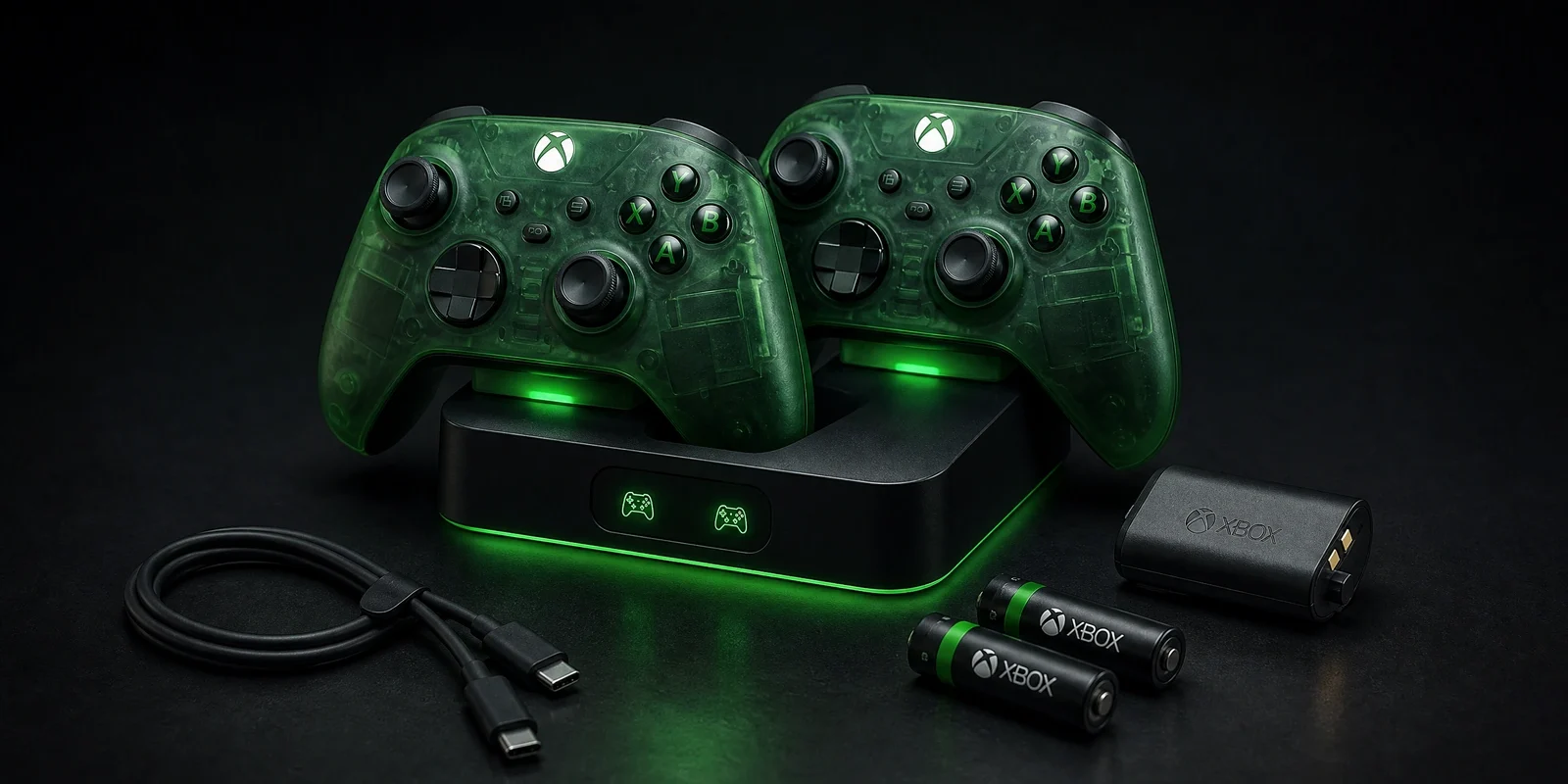
The PowerA Duo Charging Station for Xbox Series X|S is the most straightforward choice when two controllers are used regularly. PowerA includes two rechargeable NiMH battery packs plus four charge-through battery doors: two for Series X|S controllers and two for Xbox One controllers.
The station charges from its AC adapter rather than occupying one of the console’s USB ports, and front indicators show charging status. PowerA also lists a two-year limited warranty and official Xbox licensing.
This is the strongest “set the controllers down and forget about them” option in the guide. Its weakness is ecosystem lock-in: the dock depends on the compatible battery packs and doors rather than the standard removable-AA workflow.
2. Xbox Rechargeable Battery + USB-C Cable: best official one-controller solution
Microsoft’s Xbox Rechargeable Battery + USB-C Cable is the simplest official upgrade from disposable AA batteries. Microsoft says the pack works with Xbox Wireless Controllers that use a USB-C port, can recharge while you play or while the console is in standby, and fully charges in under four hours.
Microsoft rates it for up to 30 hours of battery life per charge, while noting that actual battery life varies with headsets, accessories and usage. The biggest advantage is flexibility: you can keep playing while the controller is connected by USB-C rather than leaving it on a dock.
This is especially sensible for one primary controller. With two or more controllers, a dual dock becomes more convenient because each controller has a clear home and charging position.
Check Microsoft’s Xbox Rechargeable Battery + USB-C Cable.
3. 8BitDo Ultimate Charging Dock X25: best collector-style single dock
The 8BitDo Ultimate Charging Dock for Xbox Controllers — X25 Special Edition combines a practical charging dock with Xbox 25th Anniversary styling. It is officially licensed by Xbox and compatible with Xbox Series X|S and Xbox One wireless controllers.
8BitDo says the updated battery uses a semi-solid lithium design and is installed inside the controller before dock charging. The official store currently lists the X25 edition at $39.99.
For a normal black or white controller, you do not need the anniversary version purely for charging. But if you already own or plan to buy the X25 controller, this is the most visually coherent charging option.
Check the official 8BitDo X25 dock.
4. Rechargeable AA batteries: best for instant swaps
Xbox Wireless Controllers retain one useful advantage over many controllers with sealed internal batteries: you can remove the batteries. A set of good-quality low-self-discharge NiMH AA cells lets you keep one pair in the controller and another pair charged and ready.
That means a depleted controller does not need to stay connected to a cable or sit on a charging dock. Swap the pair and continue playing. The trade-off is that you need a separate charger and a simple rotation system so discharged cells do not get mixed with charged ones.
We are intentionally not recommending an unverified marketplace battery listing here. For batteries, known cells from a reputable manufacturer and charger are preferable to an unknown high-capacity claim.
Charging dock vs battery pack vs rechargeable AAs
Choose a charging dock if convenience matters most
A dock creates a fixed place to store and recharge controllers. It is particularly useful for households with two controllers, children who forget to connect cables, or setups where controllers otherwise get left around the room.
Choose a USB-C rechargeable pack if you use one controller
Microsoft’s battery pack is less visually tidy than a dock but more flexible during play because you can plug in and keep gaming while charging.
Choose rechargeable AAs if you hate charging downtime
Keeping a charged spare pair gives you the fastest “recharge”: replace the depleted cells in seconds. The inconvenience is external charging and battery rotation.
Compatibility checks before you buy
- Confirm whether the product is for Xbox Series X|S controllers, Xbox One controllers, or both.
- For docks, check that the correct battery doors are included for your controller generation.
- Do not assume Elite Series 2 compatibility. It uses a different integrated charging system than a standard Xbox Wireless Controller.
- Check whether the dock uses AC power or consumes a console USB port.
- For third-party battery packs, confirm the exact pack model rather than relying on a generic “Xbox compatible” title.
If you are also comparing controllers, see our competitive Xbox controller guide. For a wider setup checklist, visit our best Xbox accessories guide.
Frequently asked questions
Can I charge normal AA batteries inside an Xbox controller?
No. Standard removable AA batteries are not charged through the controller’s USB-C port. Use the charging method specified for the rechargeable pack or remove rechargeable AA cells and charge them in a compatible external charger.
How long does the Xbox rechargeable battery last?
Microsoft rates its Xbox Rechargeable Battery for up to 30 hours per charge, with actual runtime varying according to accessories, headset use and other factors.
Is a dual charging station worth it?
It is most useful when two controllers are used frequently. A single-controller household may get better value from one rechargeable battery pack or a pair of rechargeable AA sets.
Final verdict
For two controllers, the PowerA Duo Charging Station is the best all-round convenience choice. For one controller, Microsoft’s rechargeable battery is the cleaner official solution. The 8BitDo X25 dock is the collector-friendly option, while rechargeable AA batteries remain the most flexible setup for players who prefer instant swaps.
The right choice is less about maximum advertised battery capacity and more about your routine: dock two controllers, cable-charge one controller, or rotate AAs when you never want charging downtime.